Pane home page
Search...
⌘K
Ask AI
Website
Download
Download
Search...
Navigation
Recording
New recording
Guides
Blog
Changelog
Overview
Pane documentation
Getting started
Installing Pane Studio
System requirements
Activating Pane Studio
Recording
New recording
Recording an area
Recording an entire display
Using webcam & microphone
Editing project
Changing aspect ratio
Cropping
Trimming your clip
Changing playback speed
Recording
New recording
Copy page
Open the recording picker and start a new capture in Pane Studio.
Copy page
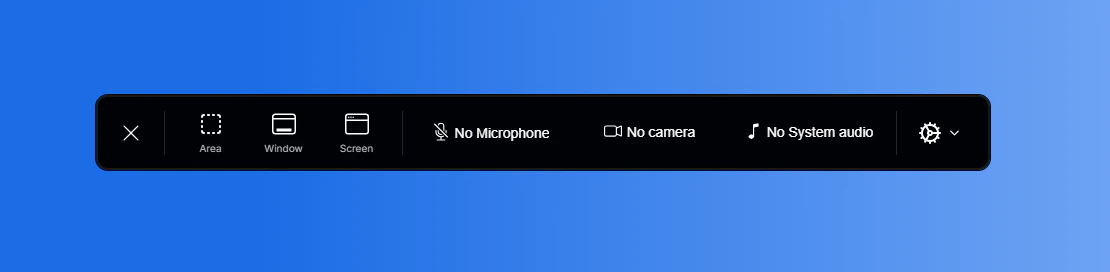
When you open Pane Studio, the recording widget appears automatically.
If you close it and want to reopen it:
Right-click the Pane Studio icon in the taskbar.
Select
Open
.
Activating Pane Studio
Recording an area
⌘I
Assistant
Responses are generated using AI and may contain mistakes.