

- Open the app.
- Open Settings from the recording widget, or right-click the Pane Studio icon in the hidden icons menu on the taskbar and open Settings from there.
- Go to General.
- Click Activate License.
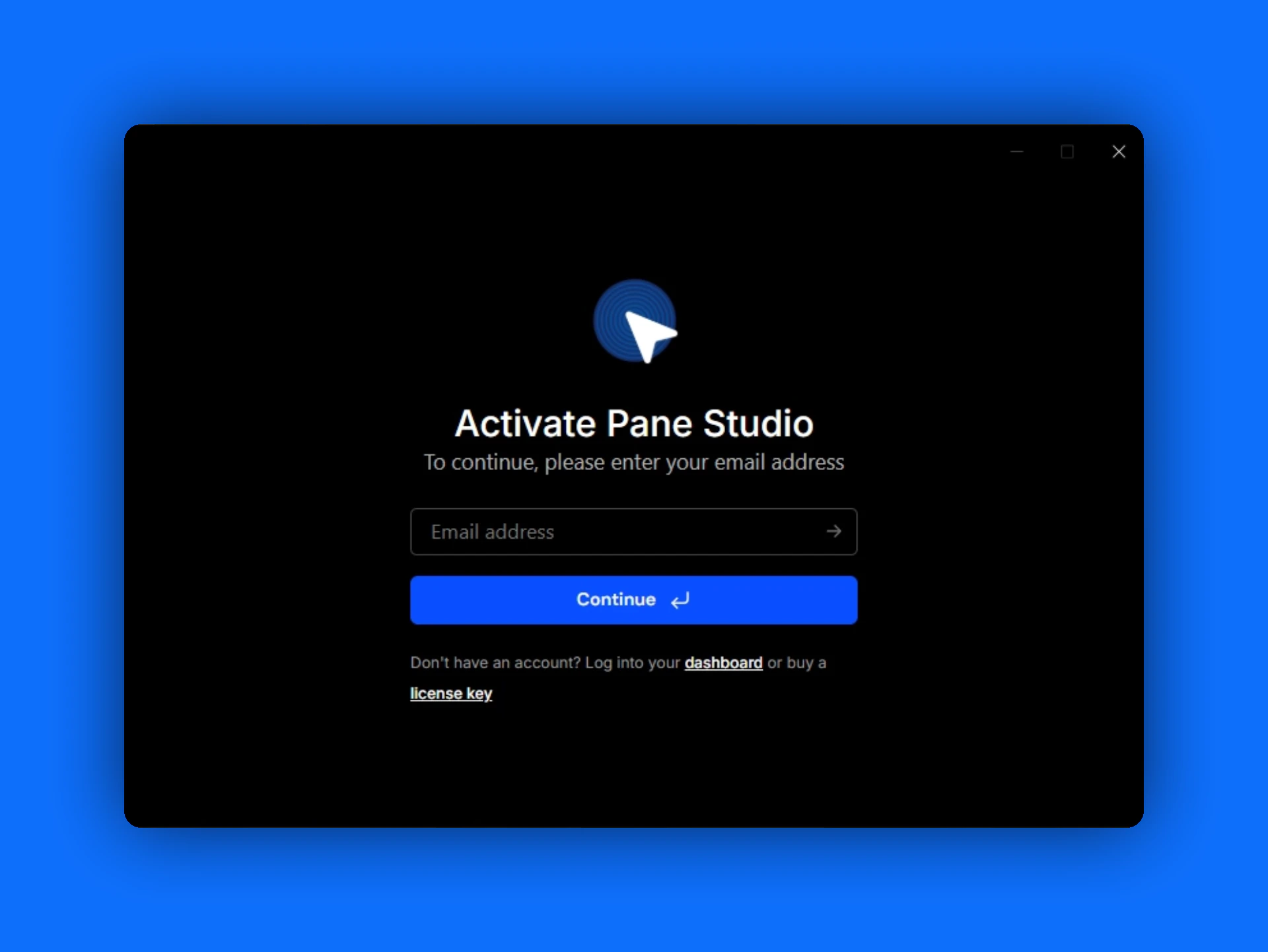
Activate your Pane Studio license with the email address linked to your account.