> ## Documentation Index
> Fetch the complete documentation index at: https://guide.pane.studio/llms.txt
> Use this file to discover all available pages before exploring further.
# Activating Pane Studio
> Activate your Pane Studio license with the email address linked to your account.
To activate Pane Studio:
1. Open the app.
2. Open **Settings** from the recording widget, or right-click the Pane Studio icon in the hidden icons menu on the taskbar and open **Settings** from there.
3. Go to **General**.
4. Click **Activate License**.
Pane Studio opens the license activation window.
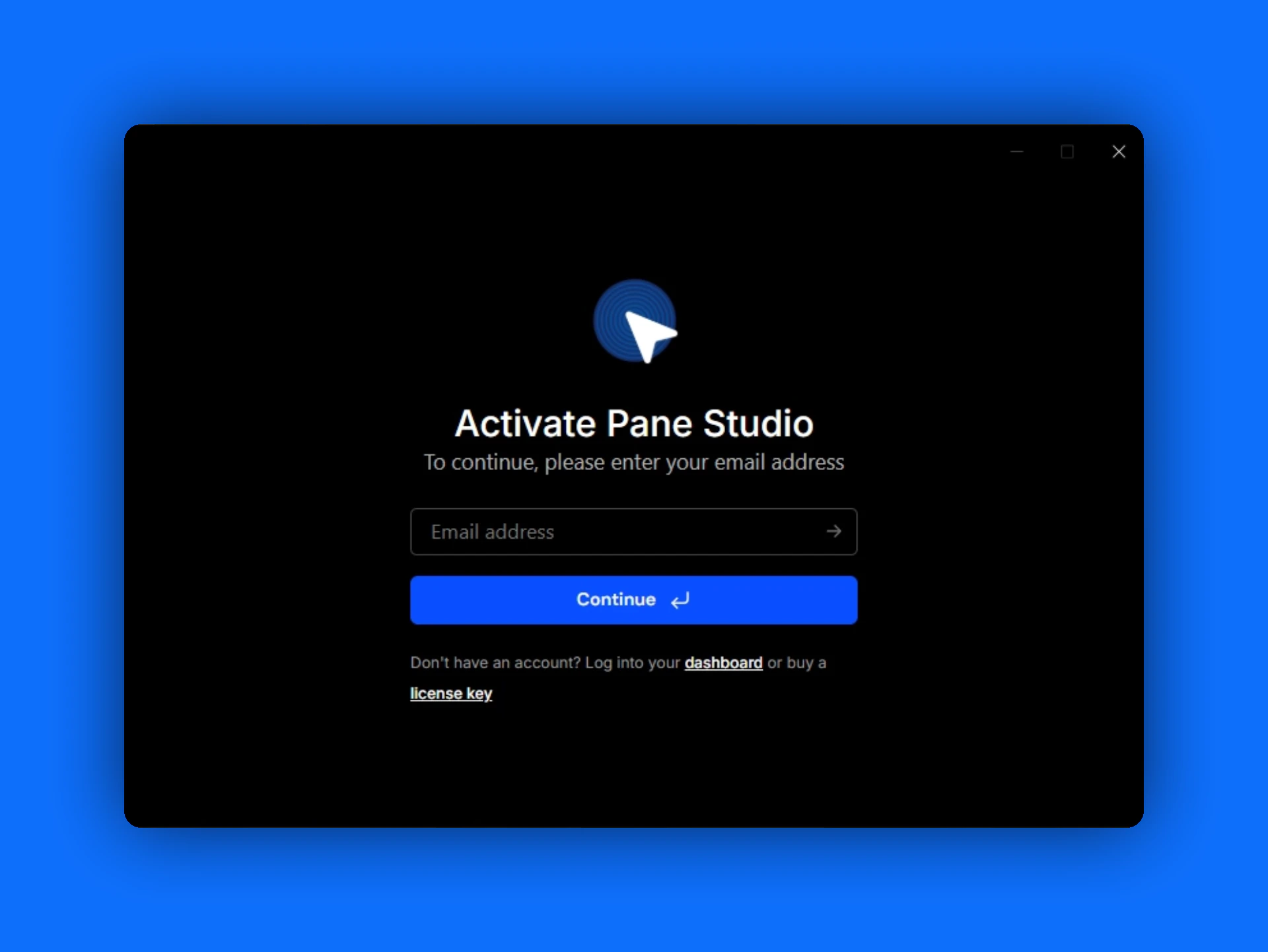 Enter the email address associated with your account.
Pane Studio sends an activation code to that address. Open your inbox, copy the code, and follow the prompts to finish activation.
Enter the email address associated with your account.
Pane Studio sends an activation code to that address. Open your inbox, copy the code, and follow the prompts to finish activation.